Host Access
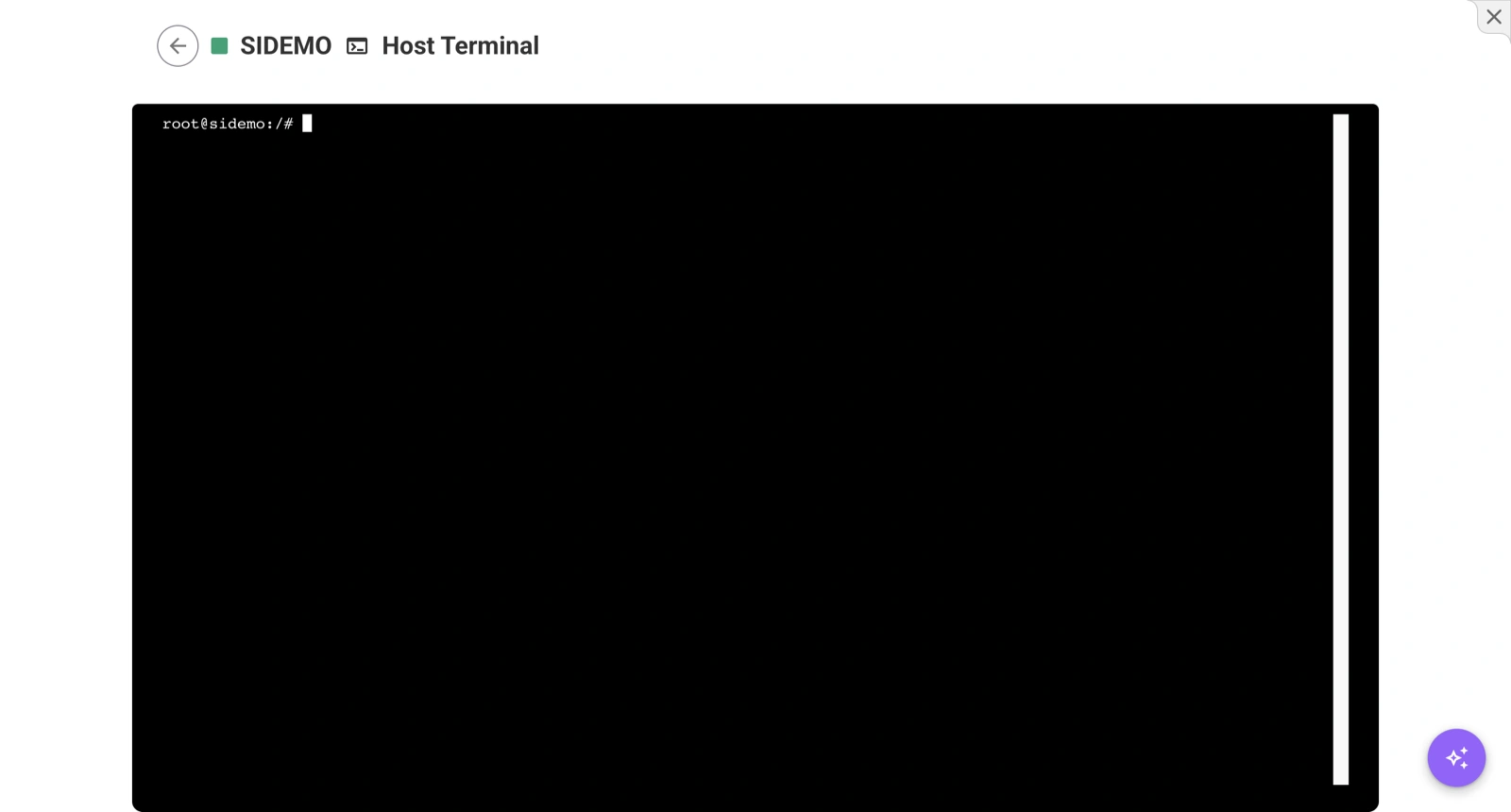
The Host Access panel provides a browser-based root terminal directly on the device’s host operating system. This is available in Settings → Devices → Host Access.
What It Does
Host Access opens a live terminal session connected to the device host as the root user. Unlike the cloud IDE terminal (which connects to your app’s Docker container), this terminal gives you full access to the underlying operating system.
When to Use Host Access
- System diagnostics — Inspect OS-level logs, check disk usage, monitor processes
- Network debugging — Test connectivity, inspect firewall rules, check interface configuration
- Docker management — Inspect the Docker daemon, view all containers, manage images
- Hardware troubleshooting — Access device peripherals, check device tree, inspect kernel modules
- Recovery — Fix issues that prevent your app containers from starting
Accessing Host Access
- Open a device in your project.
- Go to Settings.
- Select the Host Access panel.
- A root terminal session opens in your browser.
You now have full root access to the device.
Host Access requires the device to be online and connected to IronFlock.
Host Access vs. Cloud IDE Terminal
| Feature | Host Access | Cloud IDE Terminal |
|---|---|---|
| Scope | Full host OS | Inside app container |
| User | root | Container user |
| Access to | All system resources | App files and dependencies |
| Use case | OS-level debugging | App development and testing |
Host Access vs. SSH
Both provide root-level access to the device, but through different mechanisms:
| Feature | Host Access | SSH |
|---|---|---|
| Connection | Browser-based via IronFlock | Direct network connection |
| Requires | Device online on IronFlock | Device reachable on network + SSH key |
| Authentication | IronFlock user privileges | .flock private key |
| Convenience | One-click from UI | Requires terminal setup + key extraction |
For most host-level tasks, Host Access is the easier option. Use SSH when the device is not connected to IronFlock but is reachable on your local network.
Required Privileges
Access to the Host Access panel requires appropriate device privileges. Project owners and administrators have access by default.