SCADA Symbols
IronFlock includes a library of SCADA symbols that can be placed on Board Studio dashboards to create process visualizations, equipment overviews, and industrial control screens. Each symbol is a vector graphic that supports real-time data binding and interactive control.
The SCADA symbol library is based on the ThingsBoard project, licensed under the Apache License 2.0. Thank you to the ThingsBoard authors for their excellent work ❤️.
When placed on a board, SCADA symbols automatically get Fixed Width and Fixed Height activated to maintain their proportions and relative positions. See the Layout documentation for details.
Dynamic Display Properties
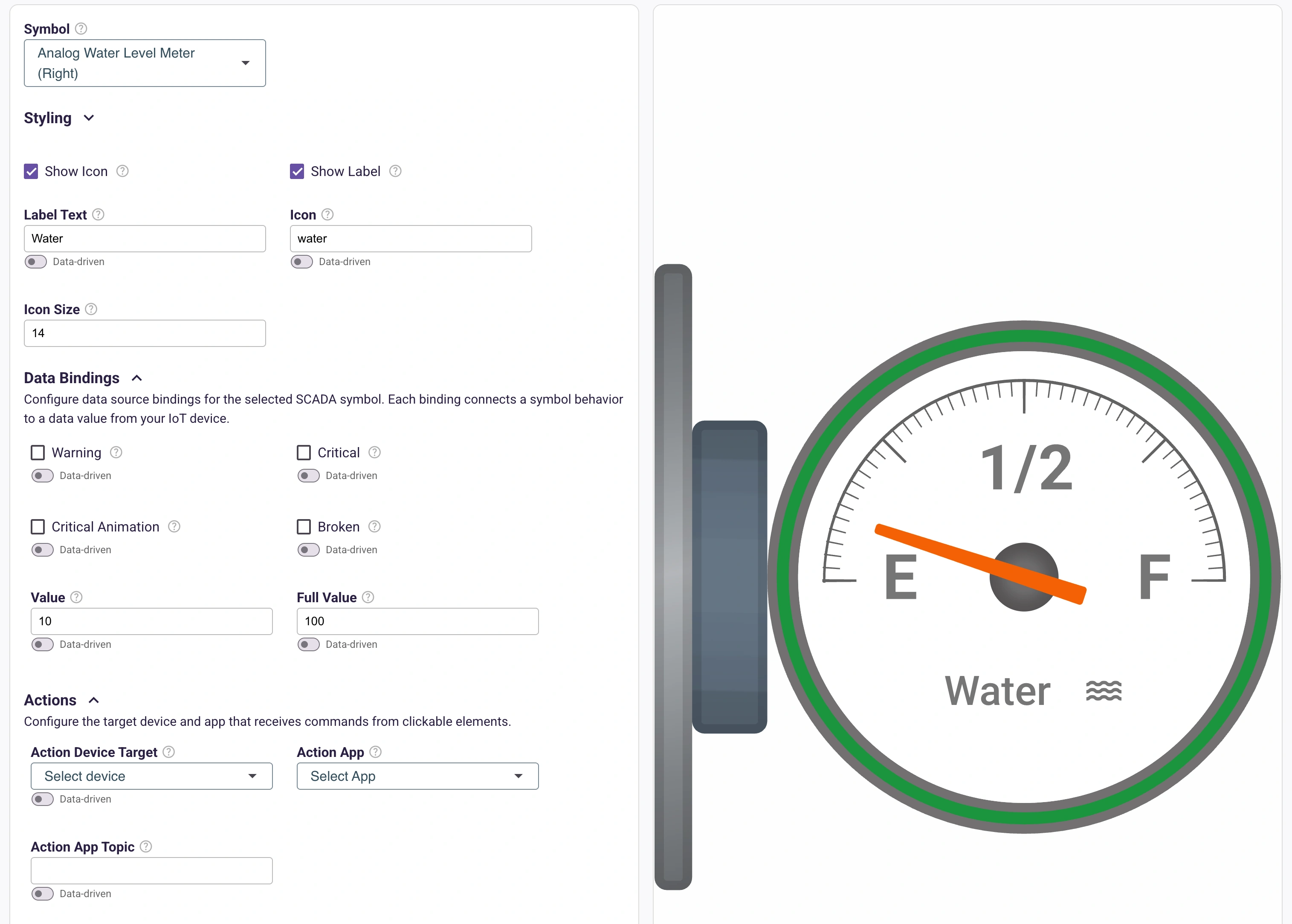
SCADA symbols come with a rich set of dynamic display options that bring process diagrams to life:
- Flowing liquid — Pipes and tanks can show animated liquid flow, with configurable direction and speed
- Warning indicators — Symbols can display warning states with color changes and flashing critical signs
- Rotating motors — Motor and pump symbols animate rotation to indicate running state
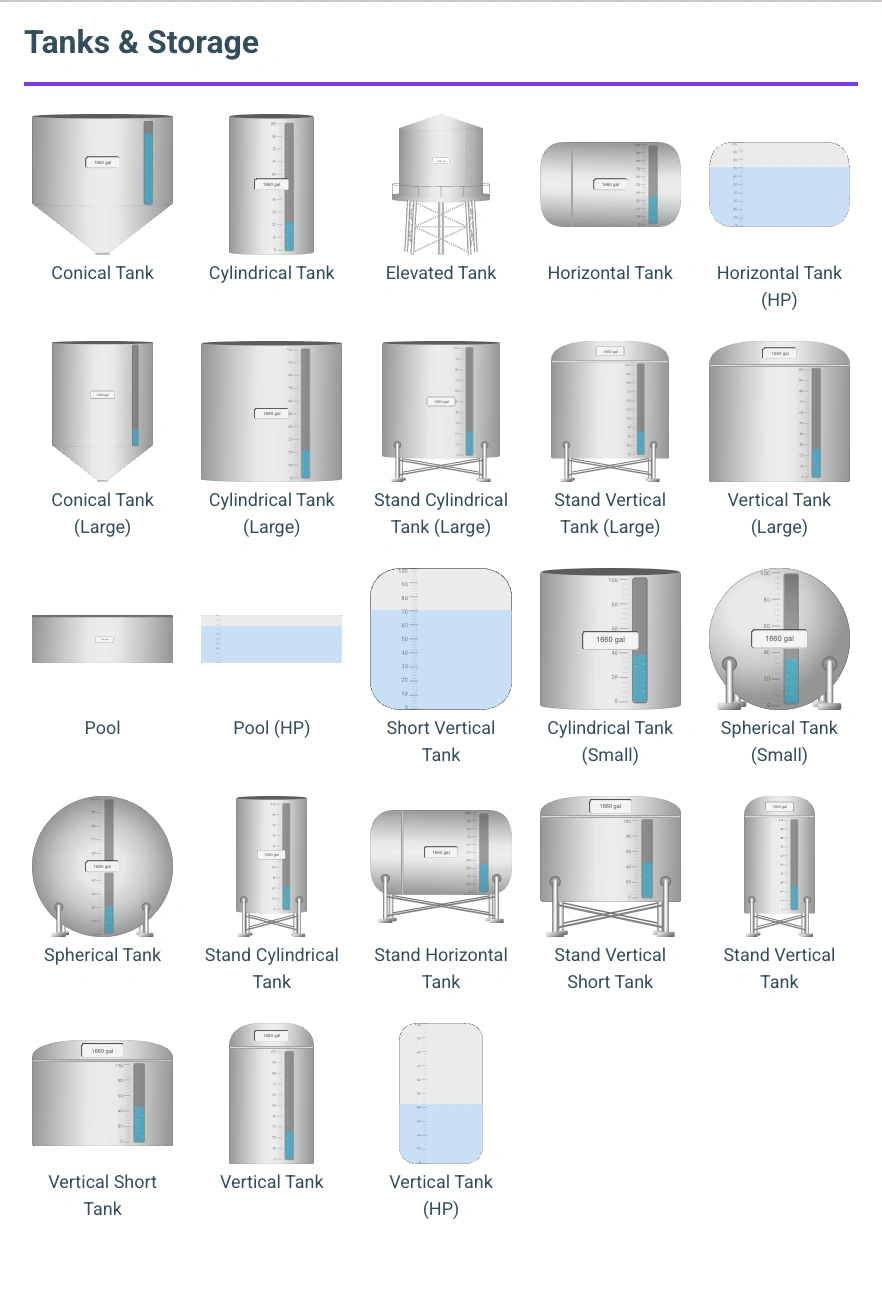
- Fill levels — Tanks and containers show dynamic fill levels
- State colors — Symbols change color to reflect operational state (running, stopped, fault, etc.)
All of these dynamic properties can be wired up to data collected in the project’s FleetDB database. For example, a pipe symbol’s flow animation can be bound to a flow rate sensor value, or a tank’s fill level can reflect a real level measurement — all updating in real time as new data arrives.
Interactive Control
SCADA symbols also support action feedback — users can interact with symbols to trigger real-world control actions on remote devices.
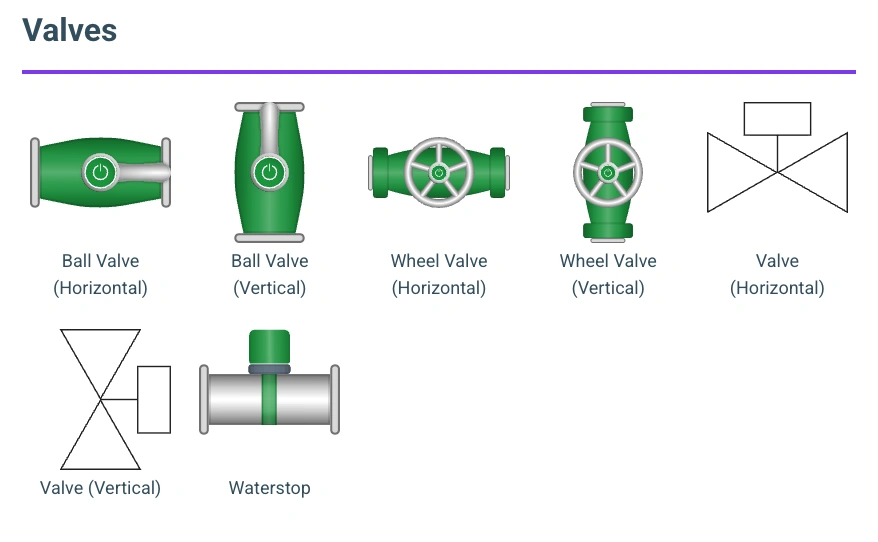
For example, an operator can click on a valve symbol to open or close it. The board designer wires the valve’s click event to an action that executes on the edge device, which in turn sends the command to the physical valve. The symbol then updates its visual state to reflect the new valve position once the action completes.
This enables common SCADA control patterns directly from the dashboard:
- Click a valve to open or close it
- Click a pump to start or stop it
- Click a motor to change its speed or direction
- Click any symbol to trigger a custom action defined by the edge app
The board designer configures which action each symbol triggers and what parameters to pass — no coding required on the dashboard side. The control logic stays in the edge app, close to the hardware, while the dashboard provides the operator interface.
Symbol Library
Tanks & Storage
Valves
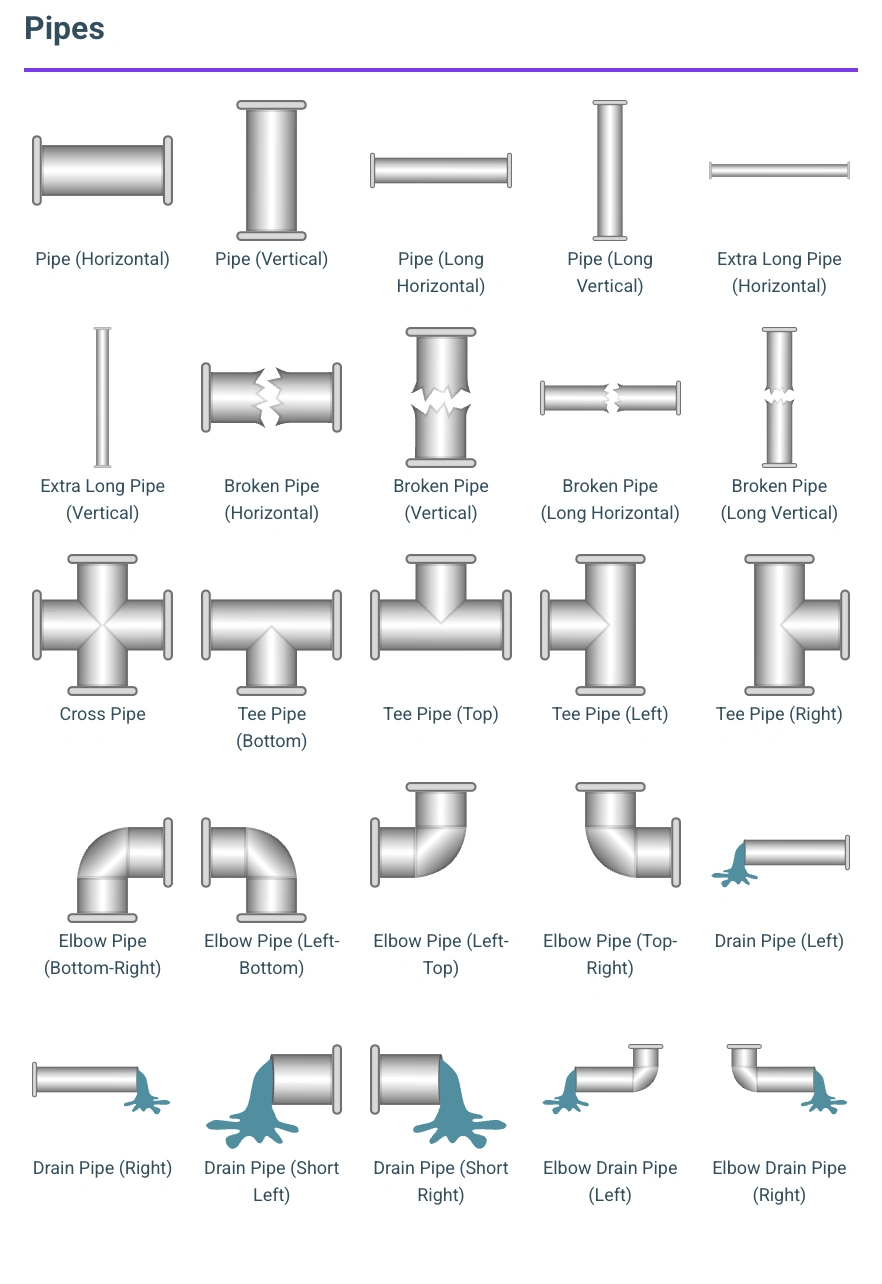
Pipes
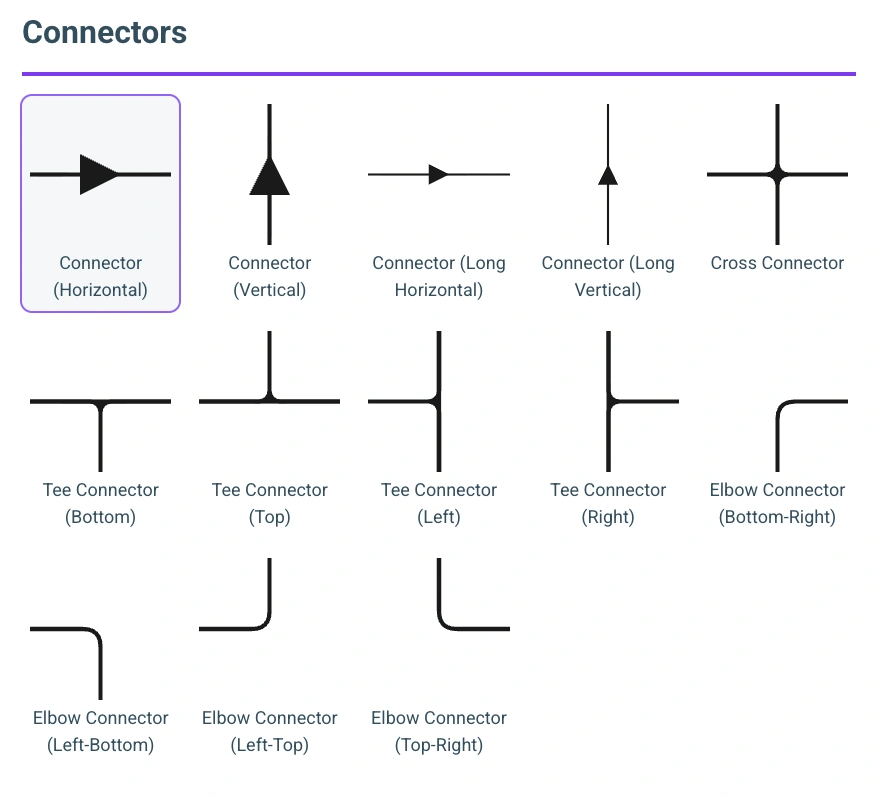
Connectors
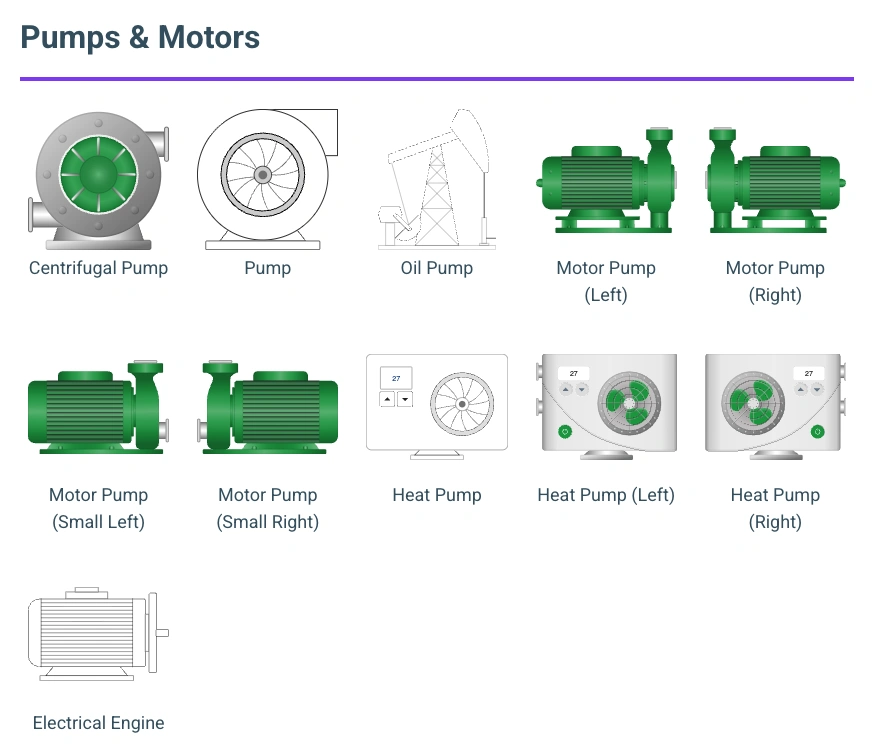
Pumps & Motors
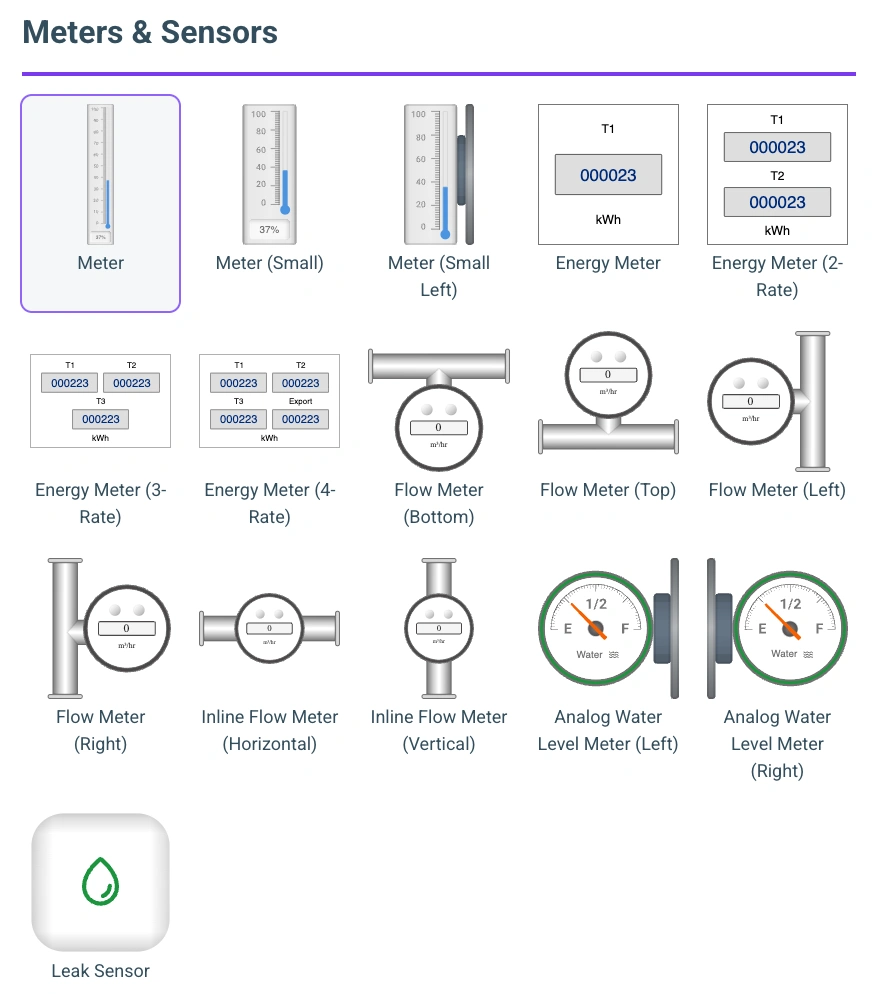
Meters & Sensors
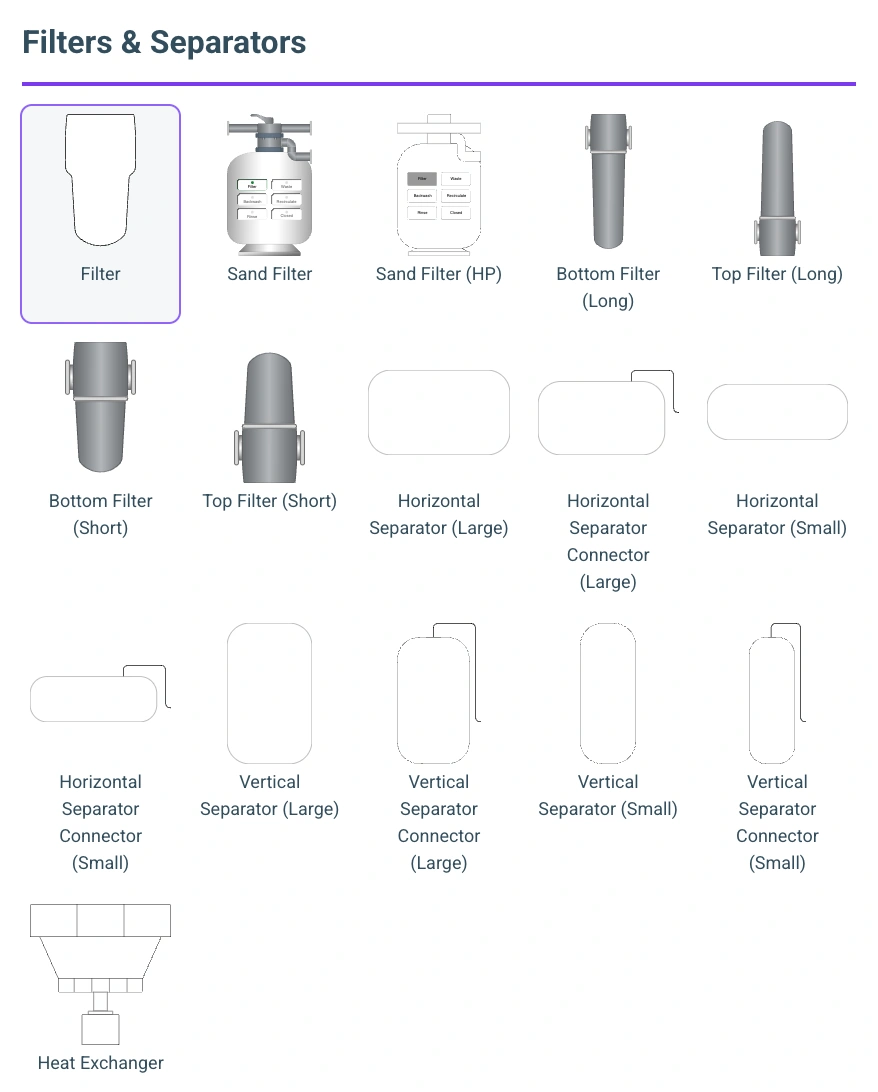
Filters & Separators
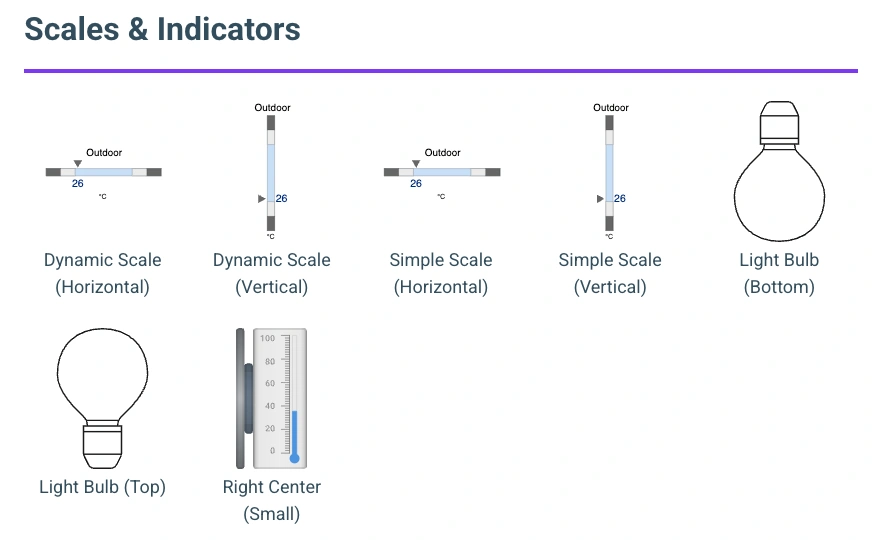
Scales & Indicators
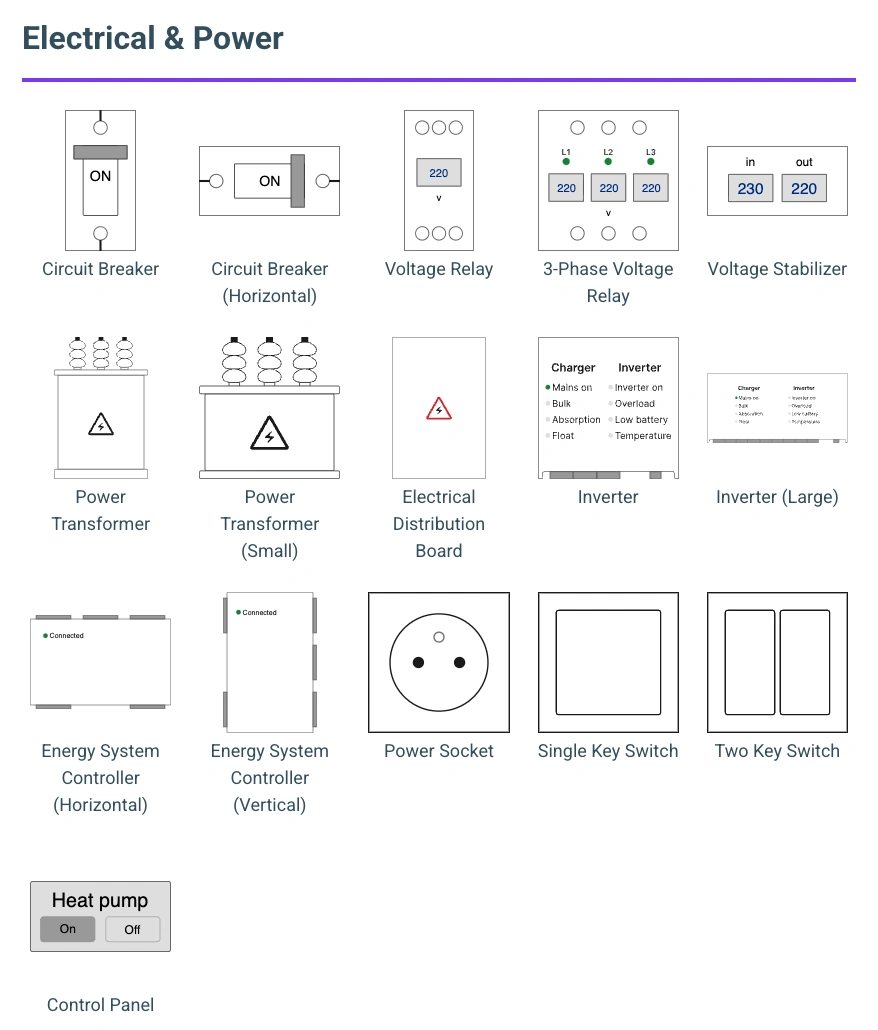
Electrical & Power
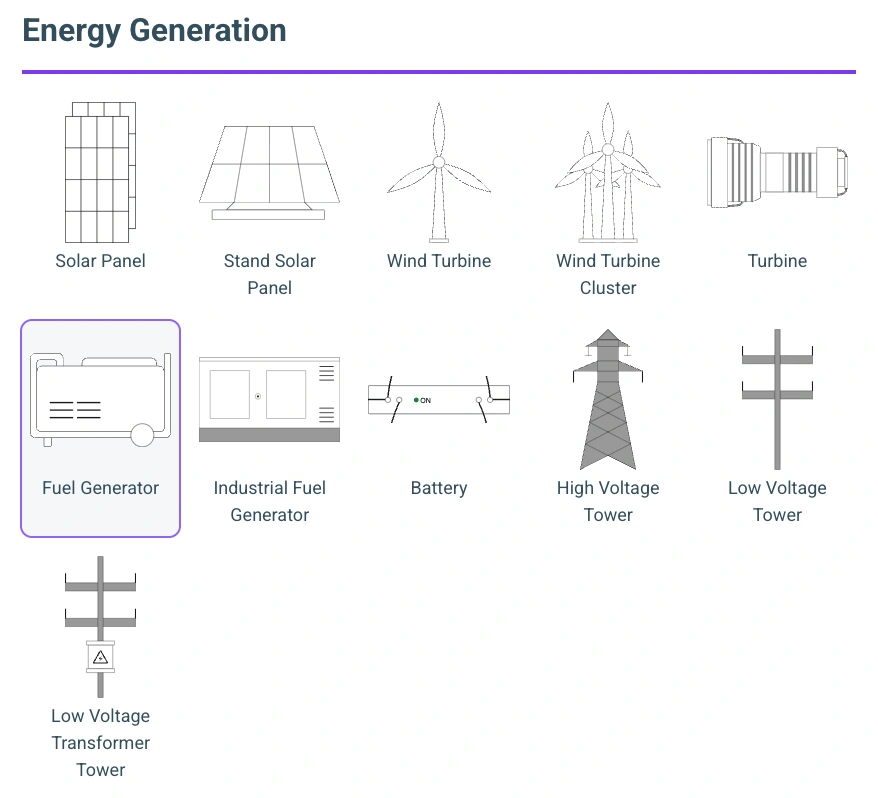
Energy Generation
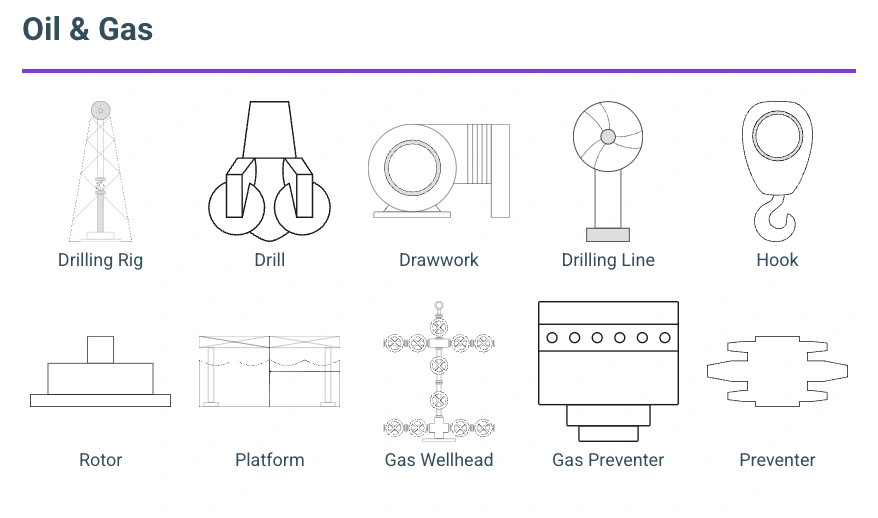
Oil & Gas
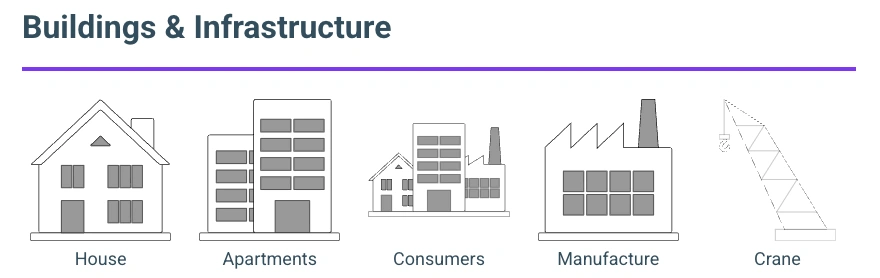
Buildings & Infrastructure