Getting Started
Get up and running with IronFlock in minutes. This guide walks you through creating an account, setting up your first project, connecting a device, and installing an app.
Create an Account
To start using IronFlock, you need a free account.
- Go to studio.ironflock.com and click Sign Up.
- Enter your email address, choose a password, and confirm or signup with Google etc.
You’re in — your IronFlock account is ready.
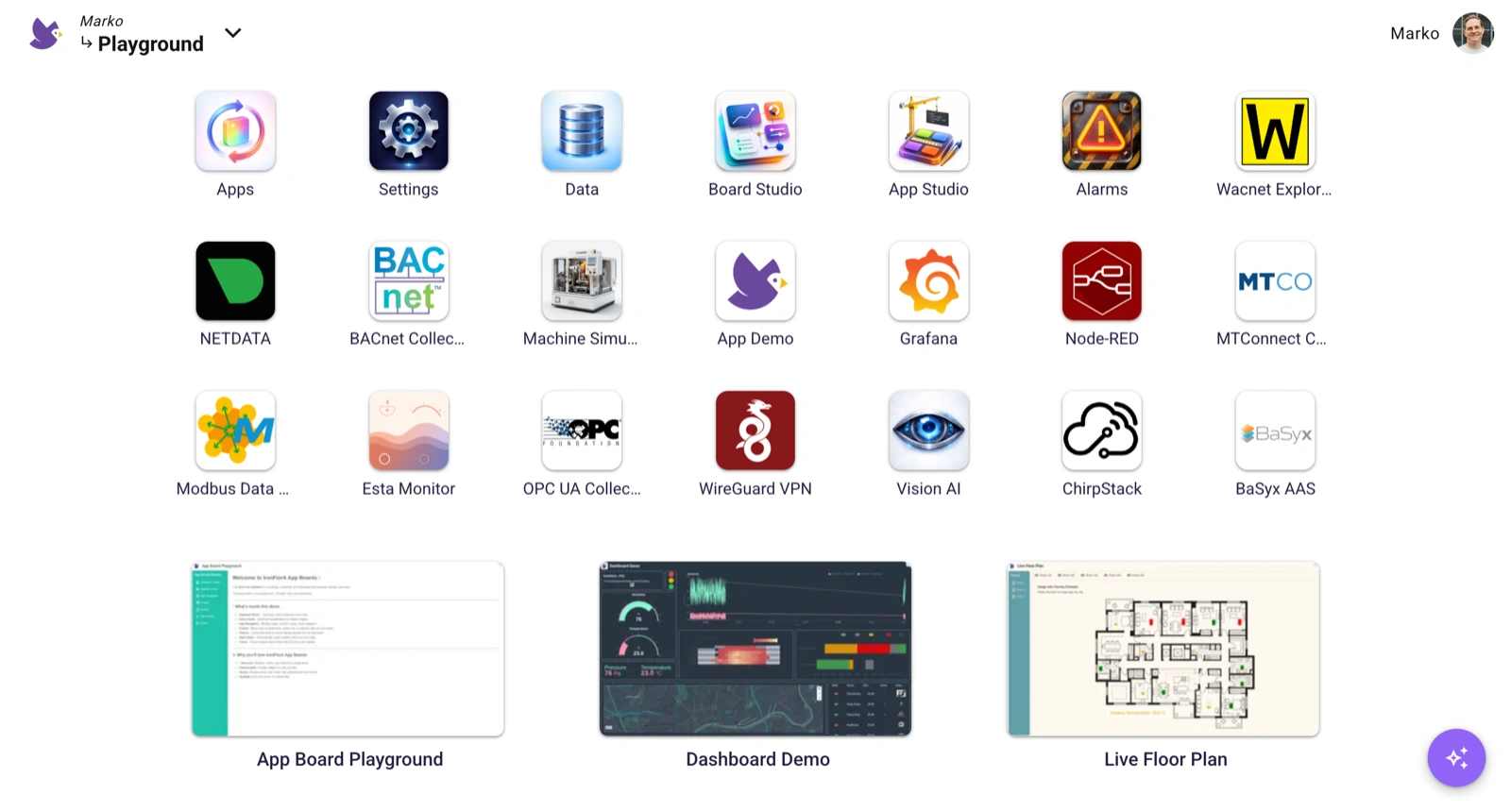
After signing up, you are automatically invited to a Playground project. You can explore it to get a feel for the platform, but your access is limited — you won’t be able to make changes or deploy your own apps there. To get started for real, create your own project as described in the next steps.
Quick Start
- Create an Account and Project to organize your devices and apps
- Add Your First Device and connect it to IronFlock
- Install Your First App from the App Store
Each step takes just a few minutes. By the end, you’ll have a device using an IoT app with a live user interface — and an AI agent you can talk to about your device data.
Last updated on