Releases & the App Store
When your app is ready for production, publish a release to make it available for devices.
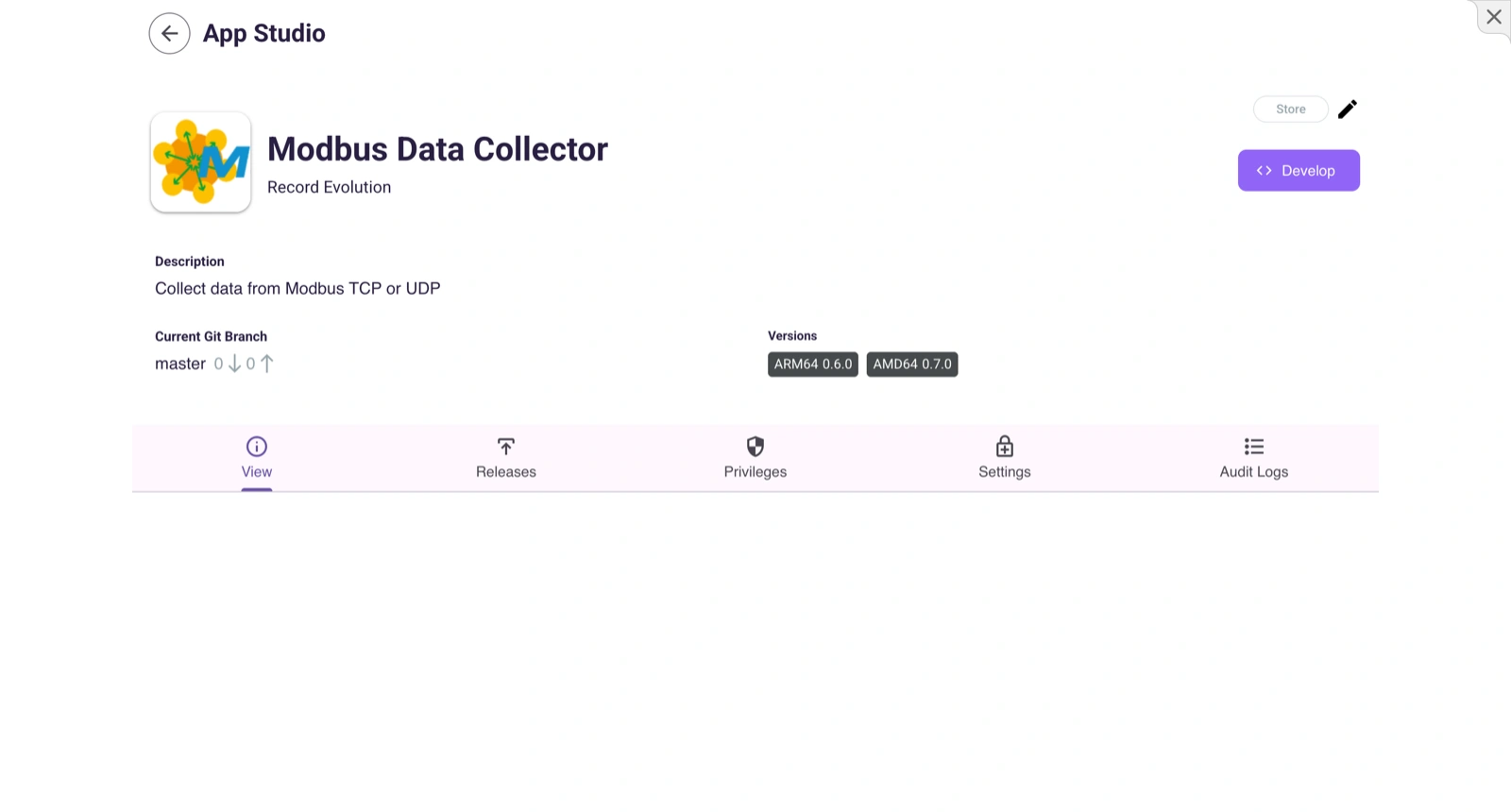
What is a Release?
A release is a built, versioned snapshot of your app. It packages the Docker image(s) for all target architectures, along with the .ironflock/ configuration files.
Creating a Release
- Open your app in the App Studio.
- Go to the Releases tab.
- Click Create Release.
- Select the target architectures (AMD64, ARMv7, ARM64).
- IronFlock builds Docker images for each architecture using the corresponding Dockerfiles.
The build process runs in the cloud. You can monitor progress and view build logs.
Multi-Architecture Builds
To support multiple device types, make sure you have the appropriate Dockerfiles:
Dockerfile— Default / fallbackDockerfile.armv7— For Raspberry Pi (32-bit)Dockerfile.arm64— For Jetson and 64-bit ARM devicesDockerfile.amd64— For industrial PCs
Each release can include builds for multiple architectures. When a user adds a device to the app, the correct image is selected automatically based on the device’s architecture.
Publishing to the App Store
Private Apps (Default)
By default, apps are private. Only users with Use privileges can see and install them. Share your app with specific users by granting them Use privileges in the app’s settings.
Public Apps
To make your app available to everyone on IronFlock:
- Open the app settings.
- Enable Public access.
- The app appears in the App Store for all users.
Publishing does not happen automatically. You control when and to whom your app is available.
Updating Apps on Devices
When you publish a new release:
- Existing installations are not automatically updated.
- Device owners choose when to update.
- Updates are pushed over the air — the new Docker image is downloaded and the app restarts with the new version.
App Privileges for Releases
You need Create Release privileges to build and publish releases. This can be granted by the app owner to other collaborators.
Canceling a Build
If a release build is in progress and you need to cancel it:
- Go to the app’s Releases tab.
- Click Cancel on the active build.