The App Store
The IronFlock App Store is where you discover, install, and manage IoT applications.
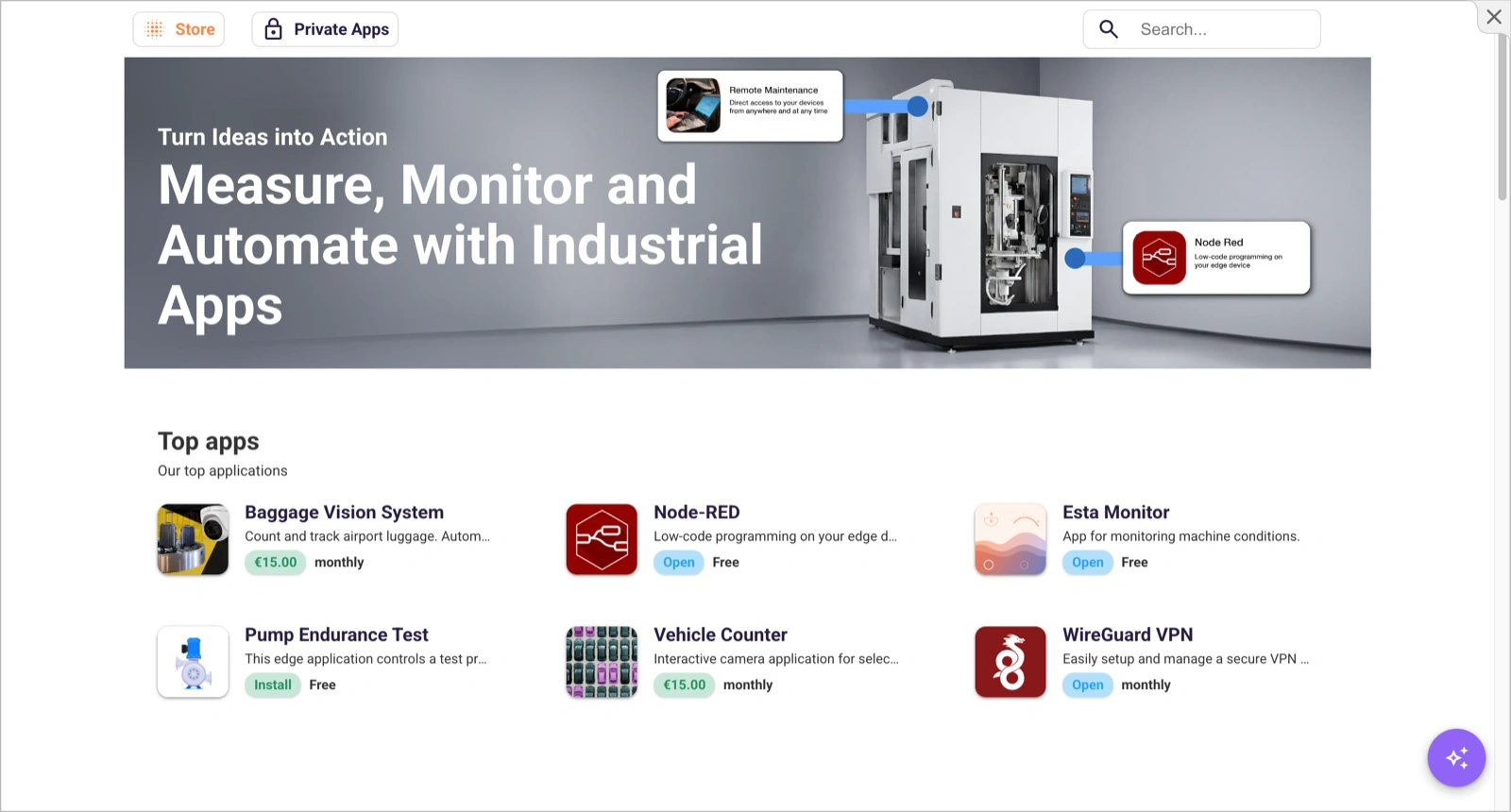
Accessing the Store
Click the Apps icon in the main navigation to open the App Store. You’ll see two sections:
- Public apps — Open-access apps created by the IronFlock community and third-party developers. Available to anyone.
- Private Store — Apps shared with you directly by other developers or organizations. These are not publicly listed.
App Cards
Each app is displayed as a card showing:
- App name and icon
- Short description
- Developer / publisher information
Click on an app card to view the full details:
- Description — Documentation and usage instructions
- Pricing — Cost per device (if it’s a paid app)
Your Custom Apps
You are not limited to existing apps. You can create your own custom IoT applications at any time to extend your projects’ capabilities. Your custom apps appear in the Private Store and can be installed across all your projects — the App Store serves as the central hub for managing both public and private apps.
Other users and organizations can also share their private apps with you, so they show up in your Private Store alongside your own.
See Releases & the App Store in the App Development section for details on how to build, release, and publish apps.