Modbus Collector
The simplest way to get readings off the huge installed base of Modbus equipment — energy meters, variable-frequency drives, air compressors, inverters, and any controller exposing Modbus registers. Connect any Modbus TCP or UDP device and stream its registers straight into your fleet database. Everything is configured in the browser: no coding, no redeployment, no downtime.
Why this app
Connect any number of machines. Install the app on an edge PC (gateway) and attach as many Modbus devices on its local network as you need. Every machine is polled independently with its own host, port, protocol, slave ID and read interval.
Map registers with simple YAML. Describe the holding registers you want to collect as a short YAML list — label, register offset, register count, data type and unit — and change it any time without redeploying:
- label: ActivePower
  offset: 25
  count: 2
  type: FLOAT32
  unit: Watt
- label: LineVoltageABN
  offset: 5
  count: 1
  type: UINT16
  unit: V
Values are decoded automatically.
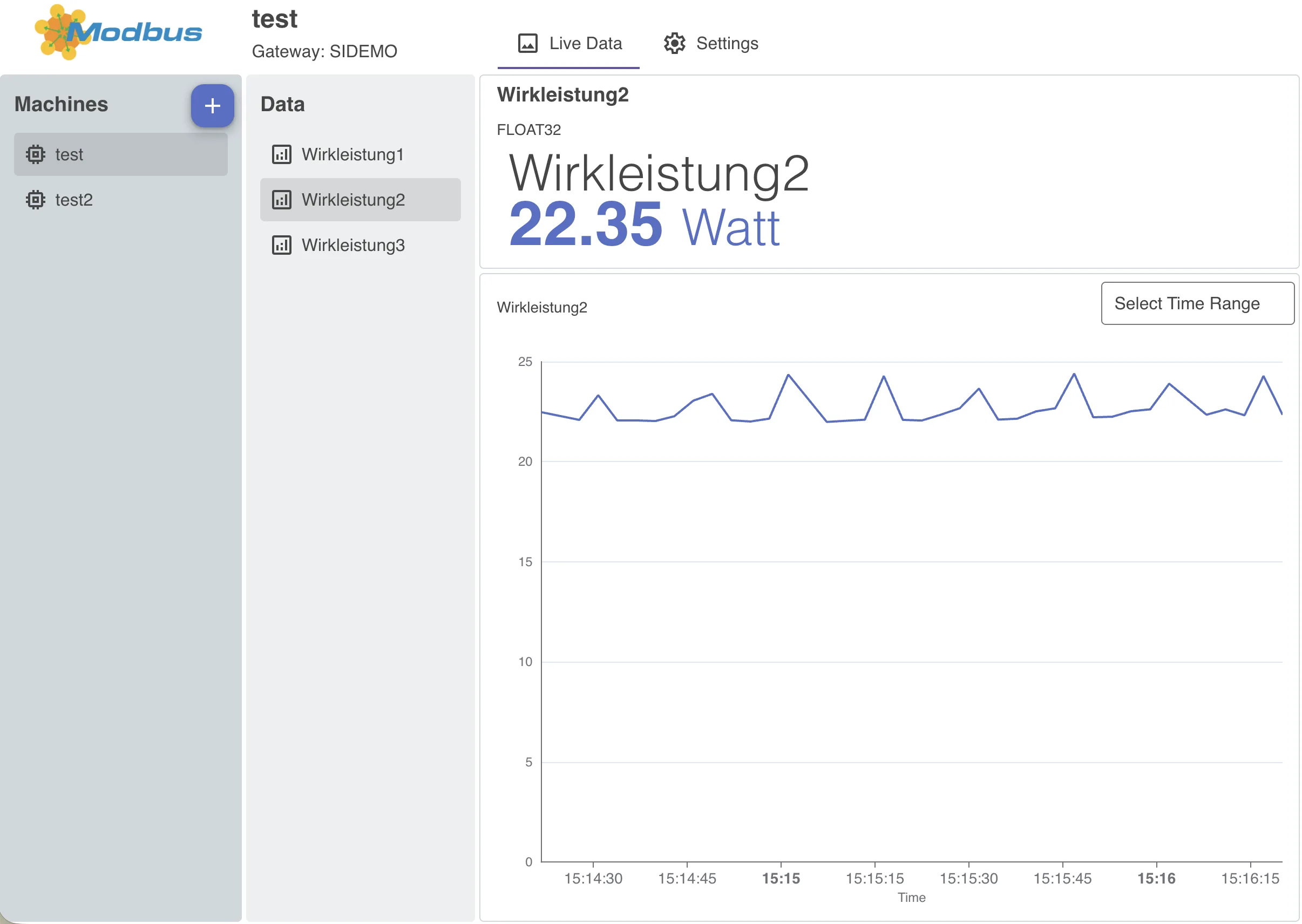
See your data instantly. The preconfigured app board lets you step through your machines and their measures, watch live values arrive and explore historical line charts — without building anything first.
Supported devices & protocols
The collector reads from any device that exposes a Modbus register map over Modbus TCP/UDP (default port 502). The following families are commonly read via Modbus — anything not listed connects just as well as long as it speaks Modbus.
Protocol details
- Transport: Modbus TCP and UDP over Ethernet. (RS-485 / RS-232 serial RTU is on the roadmap for this app, and available today in the Industrial Collector.)
- Register types: holding registers, input registers, coils, discrete inputs.
- Data types:
INT16,UINT16,INT32,UINT32,FLOAT32,FLOAT64(with the usual aliases —WORD,DINT,UDINT,DWORD,REAL,LREAL, …).
Common Modbus equipment
- PLCs & controllers: Schneider Modicon (M221, M241, M251, M262, M340, M580, Quantum, Premium), WAGO (750/753, PFC100/PFC200), Phoenix Contact PLCnext (AXC F 1152/2152/3152), Beckhoff TwinCAT (Modbus TCP / TF6250), ABB AC500, Delta (DVP, AS), Unitronics (Vision, UniStream), Fatek (FBs), Allen-Bradley Micro820/850/870, Siemens LOGO! 8.
- Air compressors: Atlas Copco Elektronikon (GA, ZR, ZT, ZP…), Kaeser Sigma Control 2, Ingersoll Rand Xe-series & XS-series, Gardner Denver / CompAir D-Series, Boge FOCUS, ELGi.
- Variable frequency drives: ABB ACS580 / ACS880 (ACS355/380/480), Danfoss VLT / FC (FC 102/202/302, FC 360), Schneider Altivar (ATV320/340/600/900), Yaskawa GA800 / GA500 / V1000 / A1000, Allen-Bradley PowerFlex 525 (750-series with Modbus card), WEG CFW, Delta (MS300, C2000), Invertek Optidrive.
- Energy & power meters: Schneider PowerLogic PM5000 / iEM3000 / ION, Janitza UMG (96/103/104/508/604), Carlo Gavazzi EM/ET (EM24, EM340, ET112/340), Socomec Diris, Eastron SDM (SDM120/230/630), Accuenergy Acuvim II, Siemens SENTRON PAC (PAC2200/3200/4200), Lovato DMG.
- Solar / PV inverters: SMA Sunny Boy / Sunny Tripower, Fronius GEN24 / SnapINverter, Huawei SUN2000, Sungrow, SolarEdge, Kostal, Solis (SunSpec/Modbus).
- Remote I/O, RTUs & protocol gateways: Advantech ADAM-6000/4000, Moxa MGate / ioLogik, HMS Anybus (Modbus RTU↔TCP), and generic RS-485 transmitters (temperature, pressure, flow, level, power) behind a serial-to-Ethernet gateway.
Need Siemens S7, Allen-Bradley Logix, OPC UA, or vendor profile packs that pre-map a machine’s tags? Reach for the Industrial Collector. Use the Modbus Collector when you only need Modbus and want the lightest footprint.
What you get
Install the app in your project and assign edge PCs (gateways) to it. Then open the app board, go to the settings view and add a machine connection: pick the gateway, enter the Modbus host and port, choose TCP or UDP, set the slave ID and read interval, and paste your register definitions as YAML.
From that moment the app polls the machine at the configured interval and stores every value in the measurements table of your fleet database — ready to query, visualize and share — while each machine’s live online/offline state is tracked in the assetstatus table.
Common collector features
Like every IronFlock collector, the Modbus Collector is configured entirely in the browser — add and edit machine connections in the built-in app board, with changes taking effect immediately and no restarts. It is reliable at the edge: lost connections are detected and re-established automatically, each machine is collected in isolation (one unreachable device never stops the others), and if the gateway loses its connection to the platform the app keeps collecting and buffers readings locally, then forwards everything in order the moment the link returns (buffer size configurable per gateway). And you can try it without hardware: switch any machine to demo mode and the app generates realistic sample data so you can explore the full experience before connecting a real Modbus device.
Build on your data
The included app board gives you an instant overview of incoming data. For tailored presentations, build custom dashboards that display your Modbus measurements side by side with data from other apps, query them through the Data Backend, and use the Alarms app to monitor collected values in real time with SMS or email notifications. To bring devices online and install the app, see Device Management and App Management.